Most people replace their phones every two or three years. In reality, a well-maintained phone can easily last five, six, or even seven years. Whether you want to save money, reduce electronic waste, or simply love your current phone, a few small habits can significantly extend its lifespan.
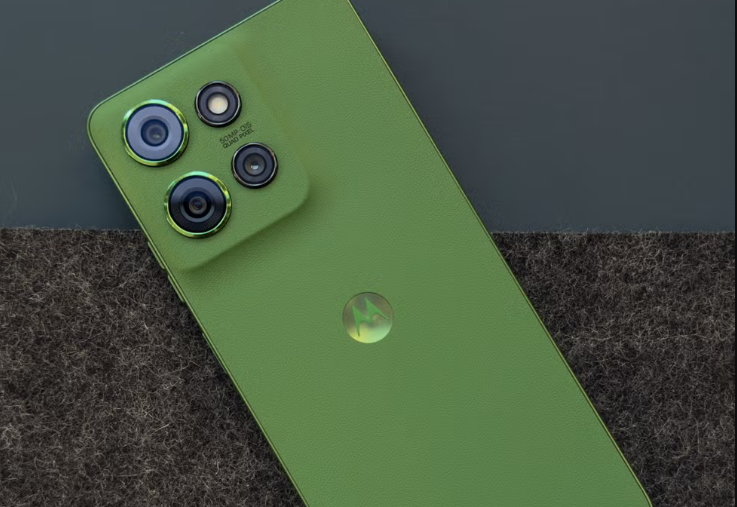
Protect the Battery First
The battery is almost always the first component to fail. Lithium-ion batteries don’t tolerate high heat, cold, or staying fully charged or fully drained for long periods.
- Avoid charging to 100% every time. Try to keep the battery between 20% and 80%. Many modern phones come with an optimized charging feature, so turn it on.
- Never charge your phone in a hot car or under a pillow.
- If you won’t be using the phone for a few days, keep it at around 50% charge.
- When the battery eventually wears out, replace it. An original or high-quality third-party battery is almost always cheaper than a new phone, and it can make your device feel brand new again.
Keep the Software Clean
Part of the reason old phones run slowly is software bloat. Even after the manufacturer stops major updates, you can still improve performance.
- Uninstall apps you no longer use. Check your storage settings regularly and clear caches. Turn off background refresh for nonessential apps.
- If your phone is running slowly, a factory reset (after backing up your data) often works wonders. Just don’t reinstall every single app.
Security becomes a bigger concern on older phones. Once the manufacturer stops providing security updates, the device becomes more vulnerable. Stick to reputable apps and avoid sideloading APK files from unknown sources.
If you’re willing to tinker, you can also consider a lightweight custom ROM. But be aware that this can void your warranty and carries a risk of bricking your device.
Manage Storage and Heat
Low storage makes any phone feel old. Try to keep at least 10 to 15% of your storage free. Regularly upload photos and videos to the cloud or your computer, and delete large files you rarely use.
Overheating is another silent killer. High ambient temperatures and heavy workloads both raise your phone’s temperature. Give your phone a break, and avoid intensive use while it’s charging.
Physical Care Matters More Than You Think
Sometimes phones die from physical damage rather than technical failure.
- Use a good-quality case and screen protector. Even the most basic ones can prevent most fatal drop damage.
- Clean the charging port regularly with a wooden or plastic pick (never metal). Built-up dust and lint can cause charging problems.
- Avoid extreme temperature swings and humid environments. Your phone is not waterproof, so keep it out of damp pockets. Even if your device is water-resistant, keep it away from the bathroom, since water resistance doesn’t protect against steam.
The Realistic Limits of a Phone’s Lifespan
Even with the best care, every phone has its limits. For most people, that limit falls somewhere between four and seven years. Sensible battery use, regular decluttering, and basic physical protection all go a long way.