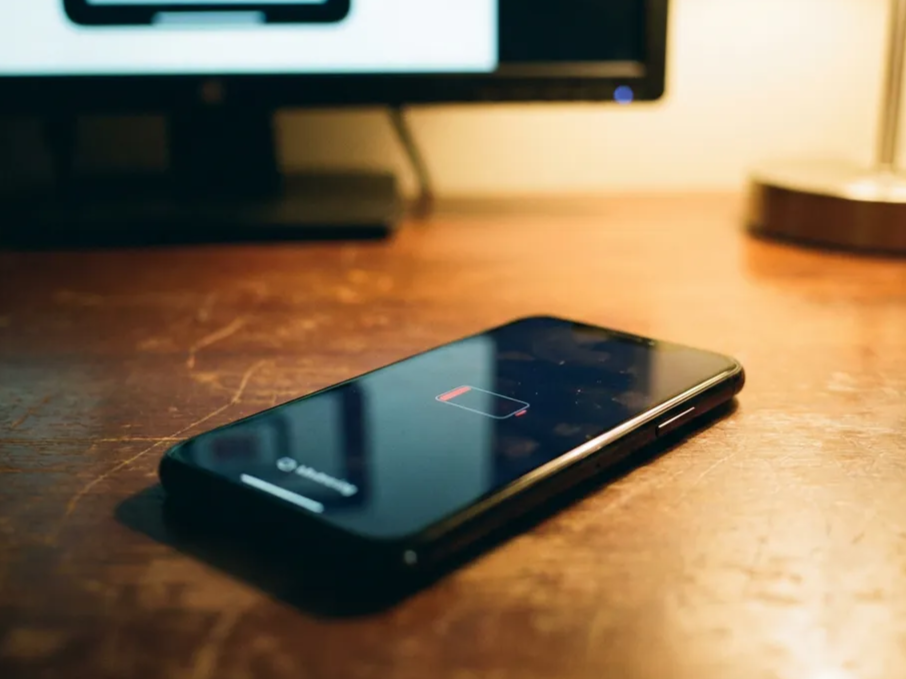
Few things are more frustrating than discovering that your phone’s battery is draining unusually fast. You leave the house with 60% battery, only to find it down to 8% just a few dozen minutes later. No heavy gaming, no long video sessions, just an ordinary day. And then the battery starts to plummet.
But that doesn’t necessarily mean your phone’s battery is dying. Software can also speed up battery drain, such as installing an iOS or Android system update, or an app that keeps running in the background. If you notice your phone’s battery draining too fast, try the following fixes.
Background Apps and Services Running Amok
This is the number one problem most people run into. Some apps keep waking up in the background, constantly checking for updates, refreshing your location, or syncing data, even when you’re not using them.
The usual suspects: social media apps, email clients, navigation apps left open, fitness trackers, and poorly optimized games or news apps.
How to check:
- iPhone: Go to Settings > Battery. Scroll down to see which apps used the most power over the past 24 hours or 10 days.
- Android: Go to Settings > Battery > Battery Usage (or App Usage). Look for apps with high background power consumption.
Force close any suspicious apps and see if the drain slows down. You can also restrict background activity for specific apps.
Declining Battery Health
Battery capacity degrades over time. After two to three years of use (or more than 500 charge cycles), many phones can no longer hold a charge the way they used to. Sometimes the battery percentage drops sharply once it hits a certain threshold, because the battery can no longer deliver power steadily.
How to check:
- iPhone: Go to Settings > Battery > Battery Health & Charging. Check Maximum Capacity. Anything below 80% indicates significant battery wear.
- Android: Go to Settings > Battery > Battery Health (this may look different depending on the brand). Some phones show the cycle count or an estimated capacity.
Extreme Temperatures
Both high and low temperatures can damage lithium-ion batteries. Leaving your phone in a hot car, using it while charging in direct sunlight, or using it in freezing cold can all cause the battery to drain rapidly or even trigger unexpected shutdowns.
Quick test: Let the phone return to room temperature and see if the drain stabilizes.
Software Bugs or a Recent Update
Sometimes an iOS or Android update introduces a battery drain bug. Other times, an update to a single app can cause problems. These issues usually appear suddenly after an update.
What to do:
- Restart your phone (this fixes many temporary drain issues).
- Check whether a newer version has been released that fixes the bug.
- Update or uninstall recently installed or updated apps.
Weak Signal or Constant Searching
When your phone has a weak cellular or Wi-Fi signal, it boosts power to maintain the connection. This can drain the battery quickly, especially when you’re moving through areas with poor coverage.
Try this: Turn on Airplane Mode for 30 to 60 minutes in an area you know has weak signal, and see if the battery stabilizes.
Hardware or Battery Failure
It’s not common, but it does happen. A faulty battery or hardware problem (such as a failing charging port or a damaged motherboard) can cause sudden battery drops, random shutdowns, or unusual heat.
Quick Prevention Tips
- Keep your battery between 20% and 80% whenever possible.
- Avoid letting your phone overheat.
- Check your background app refresh and battery optimization settings every few months.
- Uninstall apps you no longer use.
- If your phone is more than two and a half years old and otherwise works fine, consider replacing the battery.
A sudden battery drop is rarely random. In most cases, the battery usage screen will point you to the culprit within minutes.