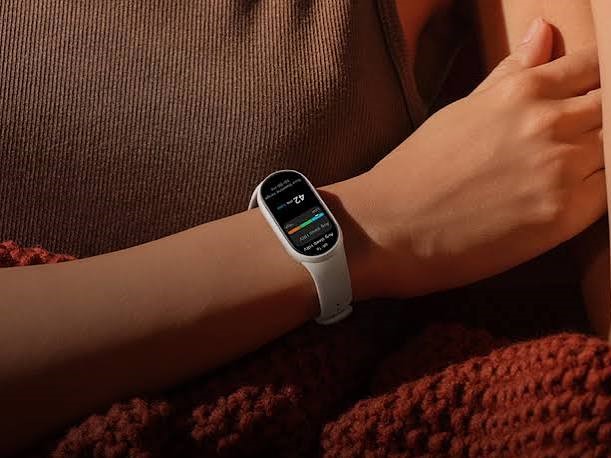
Smart bands are convenient, but their battery capacity is small to begin with. Nothing is more of a letdown than having half a day left while your band is already almost out of power. But most of the power drain comes from settings you can control. You do not need to turn your band into a plain pedometer to extend its battery life. You just need to know which features use the most power, which ones are worth keeping, and how to charge smartly.
Here is how to get as much use as possible out of every charge without giving up the useful features of your band.
Start With the Display
The screen is a major power consumer, especially at high brightness or in dynamic or always-on display modes.
Set brightness to the lowest level you can comfortably read outdoors. If your band has automatic brightness, turn it on so the screen does not stay at maximum brightness indoors.
Shorten the screen timeout to 5 to 10 seconds. If your band supports an always-on display, turn it off or use a mode that only lights up when you raise your wrist.
Choose a simple watch face. On AMOLED screens, dark backgrounds and fewer animated elements use less power. Flashing colors and constant animation increase power consumption.
Be Careful With Notifications and Vibration
Every vibration and flash uses power. Open the companion app and turn off notifications on your wrist for apps you do not need. Social media, games, and most promotional alerts are common power drains.
Keep only important notifications. Lower the vibration intensity or switch to a shorter vibration pattern. Some bands let you turn off vibration entirely for certain alerts and use a flash instead, which usually saves power.
Control the Sensors
Continuous monitoring is great, but it also uses a lot of power.
Unless you are doing high-intensity training, lower the heart rate monitoring frequency to once every 10 or 30 minutes. If you only need occasional blood oxygen and stress readings, turn off automatic blood oxygen and stress monitoring.
For workouts with GPS enabled, start tracking only when the activity begins and stop it when the activity ends. Leaving GPS running in the background drains the battery quickly.
Use Power Saving Modes and Smart Features
Most modern bands include a power saving or “long battery” mode. Turn it on if you are traveling or do not expect to charge for a few days. It usually limits background activity while still showing the time and basic step count.
Some models also let you set Do Not Disturb or sleep mode more often. If you rarely use them, disable always-listening voice assistants or gesture features.
Keep Firmware and the Companion App Updated
Manufacturers often fix power drain issues in firmware updates. Install the updates, but it is best to evaluate battery life a few days after a major update, since reindexing and new features can temporarily increase power use.
Conclusion
After adjusting display, notification, and sensor settings, you will usually see a significant gain in battery life right away. The rest is fine-tuning. Spend a week trying things out, note the settings you really need, and leave the rest off. The goal is not to strip all the smart features from your band but to decide which ones are truly worth having on your wrist.