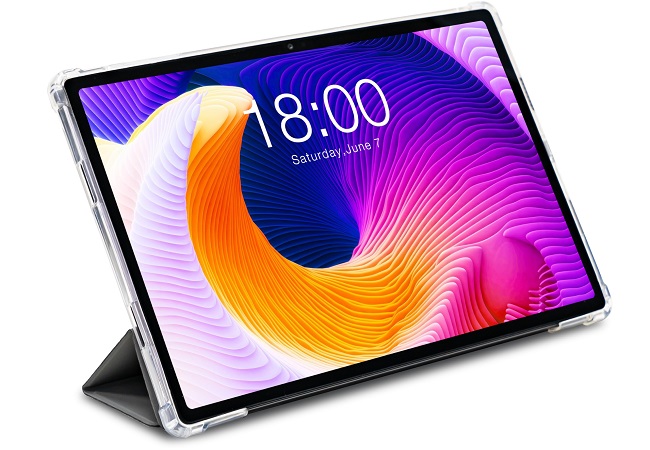
The Teclast T45HD is a reliable companion for media consumption and daily tasks, but like all mobile devices, its heart—the lithium-ion battery—has a finite lifespan. Knowing when to swap the old cell for a fresh one can save you from unexpected shutdowns and potential hardware damage.
Here are the primary indicators that your tablet is ready for a battery replacement:
Rapid Power Depletion
The most obvious sign is a significant drop in “screen-on time.” If you notice your T45HD plummeting from 100% to 20% within a couple of hours of light browsing or video playback, the battery’s chemical capacity has likely degraded. Lithium-ion batteries typically maintain peak performance for about 300 to 500 full charge cycles.
Unexpected Shutdowns
Does your tablet turn off abruptly when the indicator still shows 20% or 30%? This happens because an aged battery can no longer provide the necessary voltage spike required for high-demand tasks (like launching a heavy app or increasing brightness). The system detects this “voltage sag” and shuts down to protect the internal components.
Physical Swelling
This is a critical safety warning. If you notice the screen lifting away from the frame or a slight bulge in the back casing, stop using the device immediately. Battery swelling is caused by gas buildup due to electrolyte degradation. A swollen battery is a fire hazard and should be handled with extreme caution.
Overheating During Charging
While it is normal for a device to get warm while charging, it should never feel uncomfortably hot. If the back of your T45HD becomes scorching to the touch even during a standard charge, the internal resistance of the battery has increased, indicating it is reaching the end of its life.
Sluggish Performance
Modern operating systems often throttle the CPU speed when they detect a weak battery to prevent those aforementioned unexpected shutdowns. If your T45HD feels noticeably laggier or apps take longer to open than they used to, a degraded battery might be the silent culprit.
Tips for Longevity
To delay the need for a replacement, try to keep your battery percentage between 20% and 80%. Avoid leaving the tablet in high-temperature environments, such as a car on a summer day, as heat is the primary enemy of battery health.
If you are experiencing several of these symptoms, it is time to look for a compatible replacement battery or visit a professional technician. Restoring the power source will often make your T45HD feel like a brand-new device.