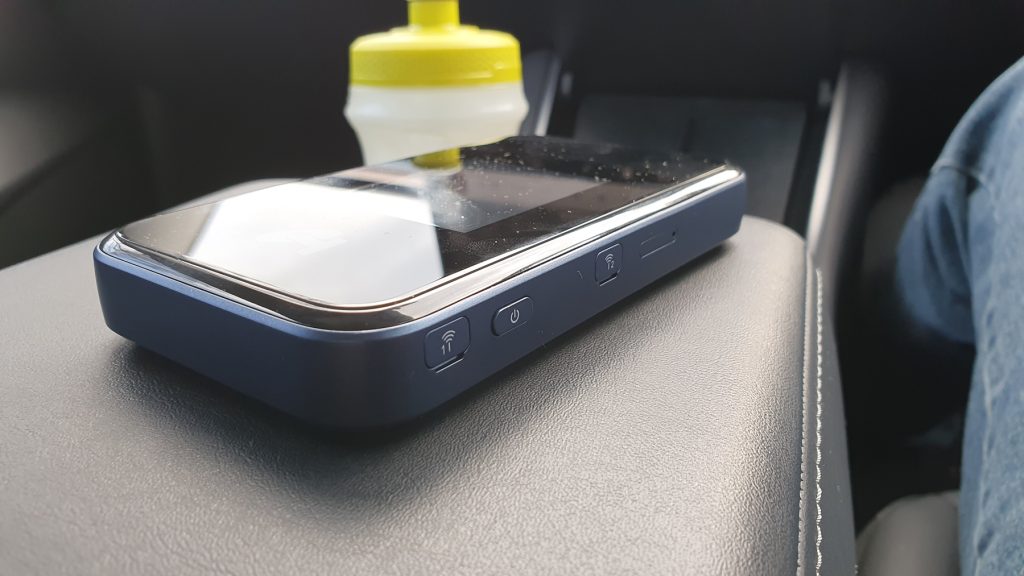
The ZTE Telstra 5G Wi-Fi Pro (MU500) is a high-performance mobile hotspot designed to deliver lightning-fast connectivity. To ensure this premium device continues to operate at its peak and to maximize the lifespan of its internal components, regular maintenance and proper battery care are essential.
Daily Maintenance and Environmental Care
To keep your device functioning smoothly, consider the following best practices:
- Optimal Placement: Position your router in a central, elevated location—ideally near a window for the best signal. Avoid placing it inside cupboards, on the floor, or near large metal objects and water sources (like aquariums), as these can obstruct 5G signals.
- Heat Management: 5G data transmission generates significant heat. Ensure the device has adequate ventilation. If it feels excessively hot during heavy use, temporarily disconnect a few devices or move it to a cooler area. The device has a safety mechanism that halts charging if the internal temperature exceeds 45°C.
- Clean Connections: Periodically inspect the USB-C charging port for lint or dust. Use compressed air to clear debris gently. Always use the original charger and cable provided, as third-party adapters may provide unstable voltage that can damage the hardware.
- Software Updates: Access the web interface (usually at 192.168.0.1) regularly to check for firmware updates. These updates often include optimizations for battery efficiency and network stability.
Managing the Battery for Longevity
The ZTE Telstra 5G Wi-Fi Pro features a “Charge Protection Mode” specifically designed for users who keep the device plugged in for long periods.
- The 65% Rule: If the device is connected to a charger for more than 16 hours, it will automatically limit the charge to 65%. This is a deliberate safety feature to prevent the Lithium-ion battery from swelling or degrading due to constant high-voltage exposure.
- Cycling the Battery: If you typically use the device as a portable hotspot, try to keep the battery level between 20% and 80%. Avoid letting it drop to 0% frequently, as deep discharges can permanently reduce capacity.
>>>New Li3945T44P4h815174 Replacement Battery for ZTE Telstra 5G Wi-Fi Pro (MU500)
When to Replace the Battery
While the battery is designed to last several years, it will eventually wear out. You should consider purchasing a replacement battery (model Li3945T44P4h815174) if you notice the following signs:
- Physical Swelling: If the back cover of the router appears slightly warped or the device no longer sits flat on a table, the battery may be swelling. This is a safety hazard, and the battery should be replaced immediately.
- Rapid Discharge: If the battery percentage drops significantly faster than it used to under similar workloads, the “Health” of the cells has likely degraded.
- Random Shutdowns: If the device powers off unexpectedly, even when the screen shows remaining charge, the battery can no longer provide the necessary peak voltage.
To replace the battery, simply power off the device, remove the back cover using the notch at the corner, and swap the old unit for a new one. This simple maintenance step can give your Telstra 5G Wi-Fi Pro a second life without the need to replace the entire router.