The SJRC Z5 5G WiFi FPV is relatively easy to maintain as long as proper attention is given to the battery, motors, and storage conditions.
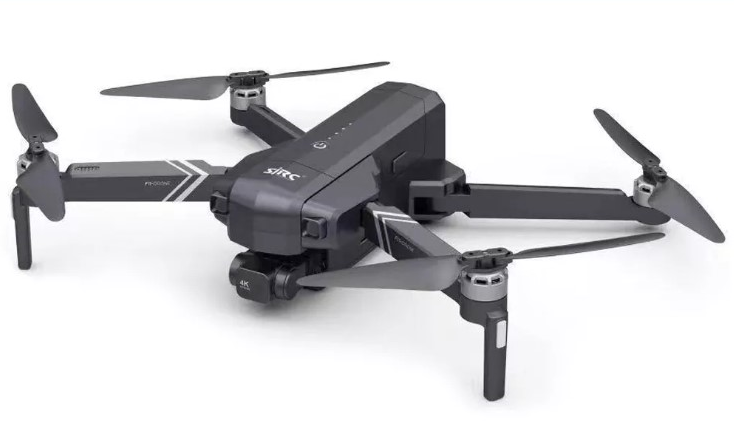
Daily Maintenance
To keep the drone in good condition:
- Allow the battery to cool down before charging it again.
- Avoid storing the battery in a fully discharged state for extended periods.
- Wipe the drone body and landing area with a soft, dry cloth after use.
- Check the propellers for cracks, chips, or bending.
- Keep the motors free of dust, sand, and hair.
- Store the drone and battery in a cool, dry place away from heat and direct sunlight.
For everyday use, it is also recommended to avoid overcharging, deep discharging, or flying until the battery is completely drained. These habits help extend the lifespan of LiPo batteries.
How to Replace the Battery
The SJRC Z5 5G WiFi FPV drone uses a 7.4V modular lithium polymer battery, typically rated at 1500mAh, with the DS903065-2S being a compatible model. Battery replacement on this drone is generally straightforward because it uses a modular battery pack.
Steps:
- Power off the drone completely.
- Turn the drone over or access the battery compartment from the rear section.
- Gently slide the old battery out.
- If there is a connector plug, disconnect it carefully without pulling on the wires.
- Insert the new battery in the same orientation.
- Reconnect the plug securely if required.
- Make sure the battery is firmly seated before flying.
>>>New 1500 mAh/11.1Wh DS903065-2S Replacement Battery for SJRC Z5-D01
Helpful Tips Before First Use
- Fully charge the new battery before the first flight.
- Check that the battery locks securely into place.
- Perform a short, low-altitude test flight first.
- Stop using the battery immediately if it swells, overheats, or loses power unusually fast.