If you already own a DJI Osmo Mobile gimbal, you may be overlooking one of its most underrated features. Through the DJI Mimo app, your Apple Watch can function as a remote viewfinder and controller, allowing you to start recording, adjust framing, and even activate subject tracking without touching your phone.
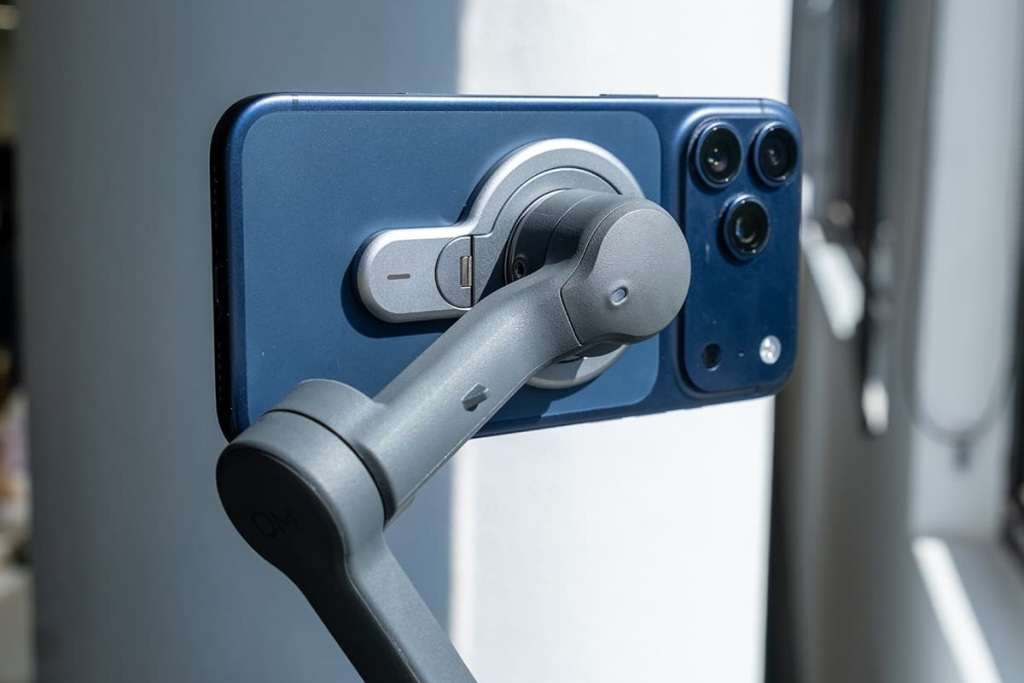
This Apple Watch control feature works with several DJI smartphone stabilizers, including the Osmo Mobile 6, DJI OM 7P, and the latest Osmo Mobile 8. To use it, you’ll need the DJI Mimo app version 2.0.4 or later, an iPhone running iOS 16 or above, and an Apple Watch with watchOS 9 or later.
Set everything up
Begin by pairing your iPhone and Apple Watch as usual. Install the DJI Mimo app on both devices.
Power on the Osmo Mobile gimbal and ensure it has sufficient battery. Open the DJI Mimo app on your iPhone and connect the gimbal via Bluetooth. Once connected, enter the camera view in the app.
Only after the iPhone and gimbal are successfully linked will the DJI Mimo app on the Apple Watch display the mirrored camera interface.
If you experience connection issues, check that Bluetooth is enabled and disconnect nearby accessories that may interfere.
>>>New 4920mAh WB37 Replacement Battery for DJI T100
Start shooting from your wrist
Once the camera feed appears on your Apple Watch, you can begin remote shooting.
You’ll see a live preview on the watch screen. The resolution is lower due to bandwidth limits, but this does not affect the final recording quality. From the watch, you can start or stop recording, switch between photo and video modes, and adjust framing.
You can also tap to activate ActiveTrack, allowing the gimbal to automatically lock onto the subject at the center of the frame. Whether you’re walking toward the camera, or demonstrating a product, the gimbal keeps you centered.
The control panel includes a virtual joystick for tilting and panning. If the framing drifts, tapping the recenter button returns the gimbal to its default position. You can also switch between portrait and landscape orientation—a convenient option if you frequently change formats.
In open spaces, the effective operating range is about eight meters, which is more than enough for indoor shoots, workout videos, cooking content, or small outdoor scenes.
>>>New 2375mAh Mavic-Air Replacement Battery for DJI Mavic Air Part 1 Intelligent Flight
After filming
You can preview your latest photos and the first frame of your most recent video directly on the Apple Watch. For full playback, editing, or exporting, return to the DJI Mimo app on your iPhone.