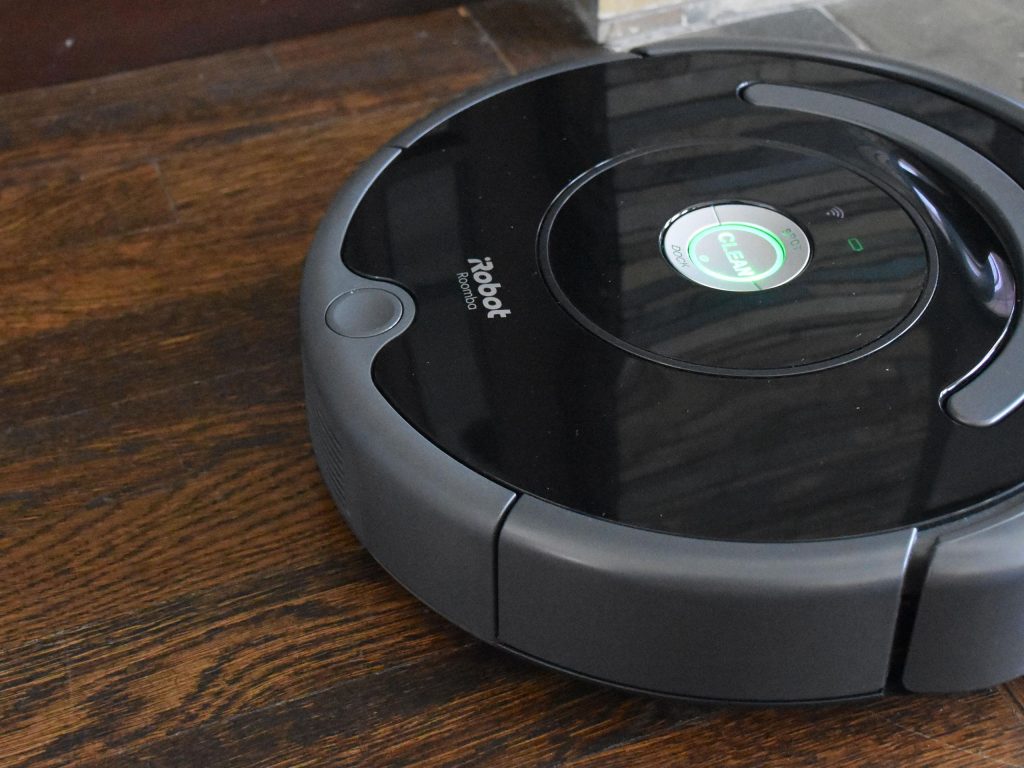
The iRobot 1800LI is a popular lithium-ion battery designed for a variety of Roomba robot vacuum models. It provides reliable power for daily cleaning tasks and serves as a direct replacement for aging or depleted batteries in compatible robots.
Battery Specifications
The 1800LI is a 14.4V Lithium-Ion (Li-Ion) battery with a nominal capacity of 1800mAh (approximately 26Wh). It features a compact size, measuring about 1.8 inches high and 5.5 inches wide, and weighs around 1.45 pounds. It utilizes a plug-and-play design with locking tabs to ensure a secure installation.
Note: Third-party replacement batteries often offer higher capacities, but you must always verify the voltage and battery type to avoid incompatibility issues.
Compatible Roomba Models
The 1800LI battery is primarily suitable for Roomba robots that use lithium-ion batteries, specifically within the 600, 800, and 900 series. The main compatible models include:
- 600 Series: 614, 615, 640, 652, 665, 670, 671, 675, 677, 680, 685, 690, 695 (and similar models)
- 800 Series: 801, 805, 850, 860, 877, 890, 891, 895
- 900 Series: 960, 965, 966
This product is not compatible with older 500, 600, or 700 series NiMH (Nickel-Metal Hydride) models that use XLife or other older battery packs. It is also incompatible with newer e, i, j, or Combo series models that require proprietary batteries. Before purchasing a replacement, always check your Roomba’s model manual or battery compartment to confirm compatibility.
How to Replace the Battery
Replacing the 1800LI battery is a straightforward DIY process that takes only 5 to 10 minutes.
Required tool: A Phillips screwdriver.
- Flip the robot: Turn your Roomba upside down on a flat surface.
- Remove the brush: Remove the side edge-sweeping brush if your model is equipped with one.
- Open the compartment: Loosen the screws securing the bottom cover and keep them in a safe place.
- Expose the battery: Remove the bottom cover to reveal the battery compartment.
- Extract the old battery: Press the release tabs or gently pull the fabric tabs on the old battery to lift it out.
- Insert the new battery: Slide the new 1800LI battery in, aligning it with all slots or tabs. Make sure the label faces up and you hear it click into place.
- Reassemble: Put the bottom cover back on, tighten all screws evenly, and reinstall the edge-sweeping brush if you removed it earlier.
- Charge and test: Place the Roomba on its charger and let it charge fully before use. Test the robot to ensure it is working properly.
Choosing the right 1800LI replacement battery can significantly extend your Roomba’s lifespan without the need to buy a brand-new vacuum. Regular maintenance, such as cleaning the charging contacts, will help maximize battery performance over time.