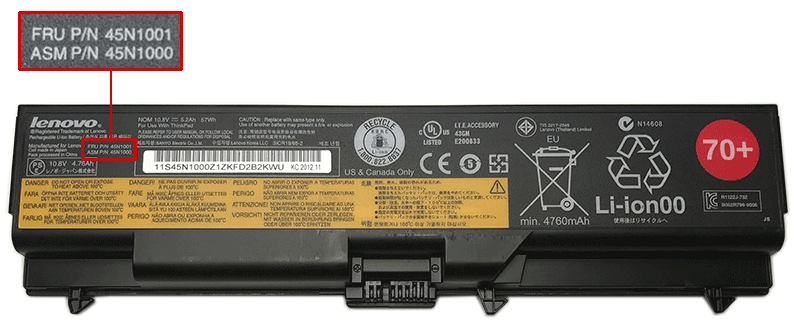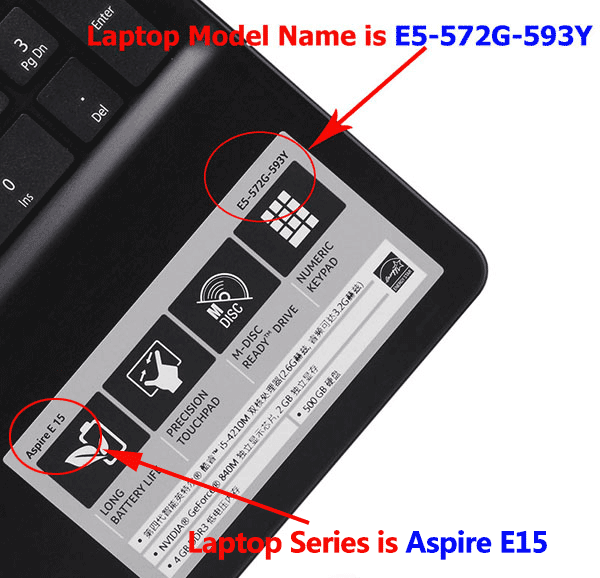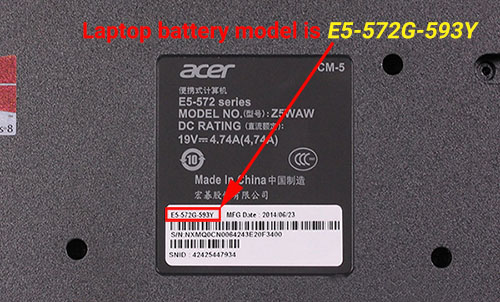



This Ipason 3172120X2-I156CA battery Replaces:
This 3172120X2-I156CA battery Fits The Following Ipason Models:
for Ipason MaxBook P1 G154GPJ41
Features of Our Ipason 3172120X2-I156CA replacement battery:
Each Ipason 3172120X2-I156CA replacement battery unit is made of high-quality lithium-ion cells for longer last time.
The battery is up to standard and fully compatible with original specifications.
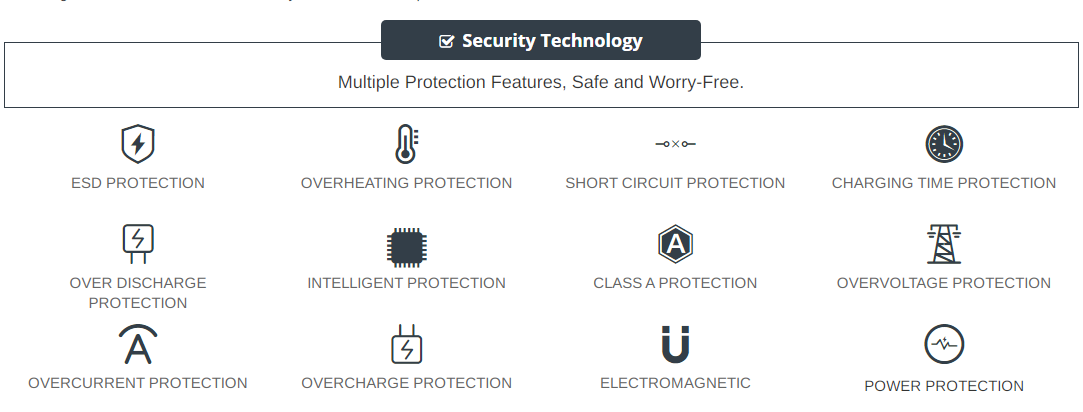
All our batteries are certified by CE, UL, ROHS, ISO9001/9002 as safe products.
The interface metal and fixed insulator of the battery are made of good materials to ensure stable current input and durability.
Why Buy From batteryone.co?
Wide Selection of Batteries:
We offer a wide variety of batteries, from standard alkaline batteries to specialized batteries for specific devices, from the everyday to the hard-to-find. So you're sure to find the right battery for your needs.
Competitive Pricing:
Our prices are highly competitive and we offer frequent discounts and promotions to ensure that our customers get the best value for their money.
Expert Advice and Support:
Our team of battery experts is always on hand to offer advice and assistance with any battery-related questions or concerns.
Convenient Online Shopping:
Our online store makes it easy to browse and purchase batteries from the comfort of your own home, with fast and reliable delivery options available.
Quality Guarantee:
We stand behind the quality of our batteries and offer a satisfaction guarantee on all of our products, so you can shop with confidence and peace of mind. 30 Days Money Back, 1 Year Warranty!
FAQs
Q: How to charge a new battery for Ipason 3172120X2-I156CA for the first time use?
A: New Ipason 3172120X2-I156CA battery pack is normally shipped in its partially charged condition. Please cycle your new 3172120X2-I156CA battery pack by fully charge and discharge it for 3-5 times to allow it to reach its maximum rated capacity before use. (Note: it is perfectly normal for a battery to become warm to the touch during charging and discharging).
New batteries are hard for your device to charge; they have never been fully charged and are therefore "unformed". Sometimes your device's charger will stop charging a new battery before it is fully charged. If this happens, simply remove the battery from your device and then re-insert it. The charge cycle should begin again. This may happen several times during your first battery charge. Don't worry; it's perfectly normal.
Q: The Ipason 3172120X2-I156CA battery has been installed several times, but device can't boot up?
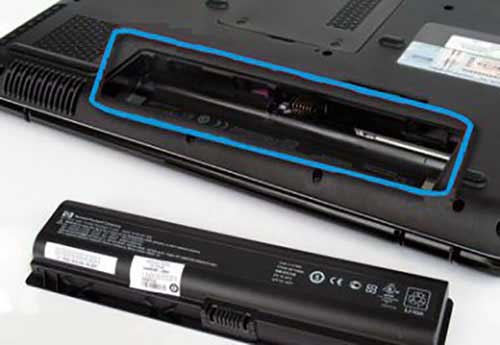
A: Carefully check if interfaces of the device and the battery are correctly connected. If the cause of loose contact is ruled out, please contact the after-sales customer service to ensure that the battery part number and device model are matched.
Q: How to store the 3172120X2-I156CA battery replacement if you won’t use it for a long time?
1.It is not a feasible way for you either fully charge or fully discharge battery if long term storage. Security risks will generate if under a fully charged state, while both cells and control circuit protection lock will be deactivated if under a fully discharged state. So you’d be better store the Ipason 3172120X2-I156CA battery at a half fully charged state and keep it in a cool, dry place. 20 degrees Celsius is the optimum storage temperature.
2.Install and run Ipason MaxBook P1 G154GPJ41 battery as often as possible(at least once a month) so as to ensure its availability and avoid power drain.
Q: How to extend the life of your Ipason 3172120X2-I156CA battery replacement?
1.Please fully charge your device before using it for the first time. Because the Ipason MaxBook P1 G154GPJ41 battery replacement is normally shipped in a partially-charged state. Please cycle your battery pack by fully charge (more than 12hours) and discharge(less than 10%) for 3-5times to reach maximum rated capacity.
2.Please don’t discharge battery to 0%, which is the most common reason among faulty batteries. It will damage battery if the device usually works at a critical power level ( below 3%).
3.Charge the battery before it runs to 20%. It is scientifically justified that charging battery at 20% till 80% will extend battery life to the longest.
4.If your 3172120X2-I156CA battery won’t be used for a long time, please charge it once a month and keep battery power over 50%, remove it from your device and store it in an antistatic bag in a cool, dry place.
Tags:Ipason MaxBook P1 G154GPJ41 battery,3172120X2-I156CA battery,Ipason 3172120X2-I156CA model,3172120X2-I156CA battery model name,Ipason MaxBook P1 G154GPJ41 replacement battery,replacement,battery for Ipason MaxBook P1 G154GPJ41,Ipason MaxBook P1 G154GPJ41 4000mAh/30.4Wh battery replacement,3172120X2-I156CA 4000mAh/30.4Wh 7.6V,3172120X2-I156CA battery replacement,Ipason 3172120X2-I156CA model name,3172120X2-I156CA battery 4000mAh/30.4Wh